When defining a block in a landscape CAD drawing, it is really important to carefully set a base point during the block definition process. If that’s done correctly, it is possible to seamlessly use the block when further developing the design.
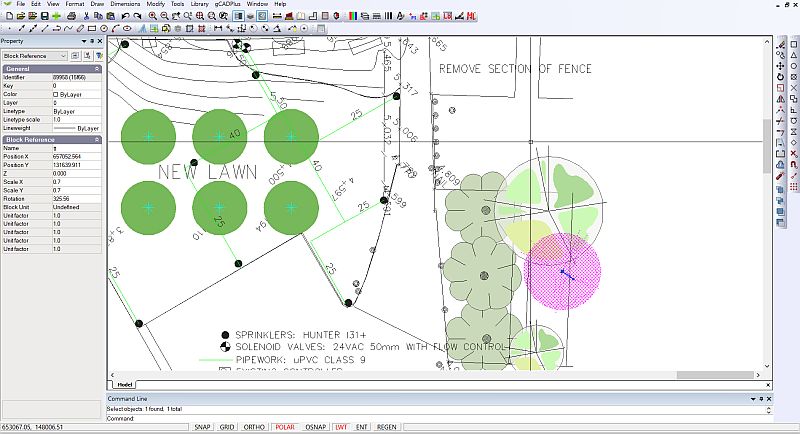
 Here we show the importance of defining base points in blocks in the drafting environment. The ability to move and rotate a block using a grip placed at an appropriate point in a block is illustrated. @gcadplus
Make a generic plant block symbol – step by step
Start a new drawing using the default template.
Adjust settings in the Properties box.
Set the current layer to Layer zero, making sure that color lineweight and linetype are set bylayer.
Draw a circle to indicate the canopy diameter of plant (perhaps estimated diameter at 10 years)
Add new entities such as lines, arc, etc. to form the symbol shape.